Q3VR - a PCVR port of Quake 3 Arena
A downloadable game for Windows and Linux
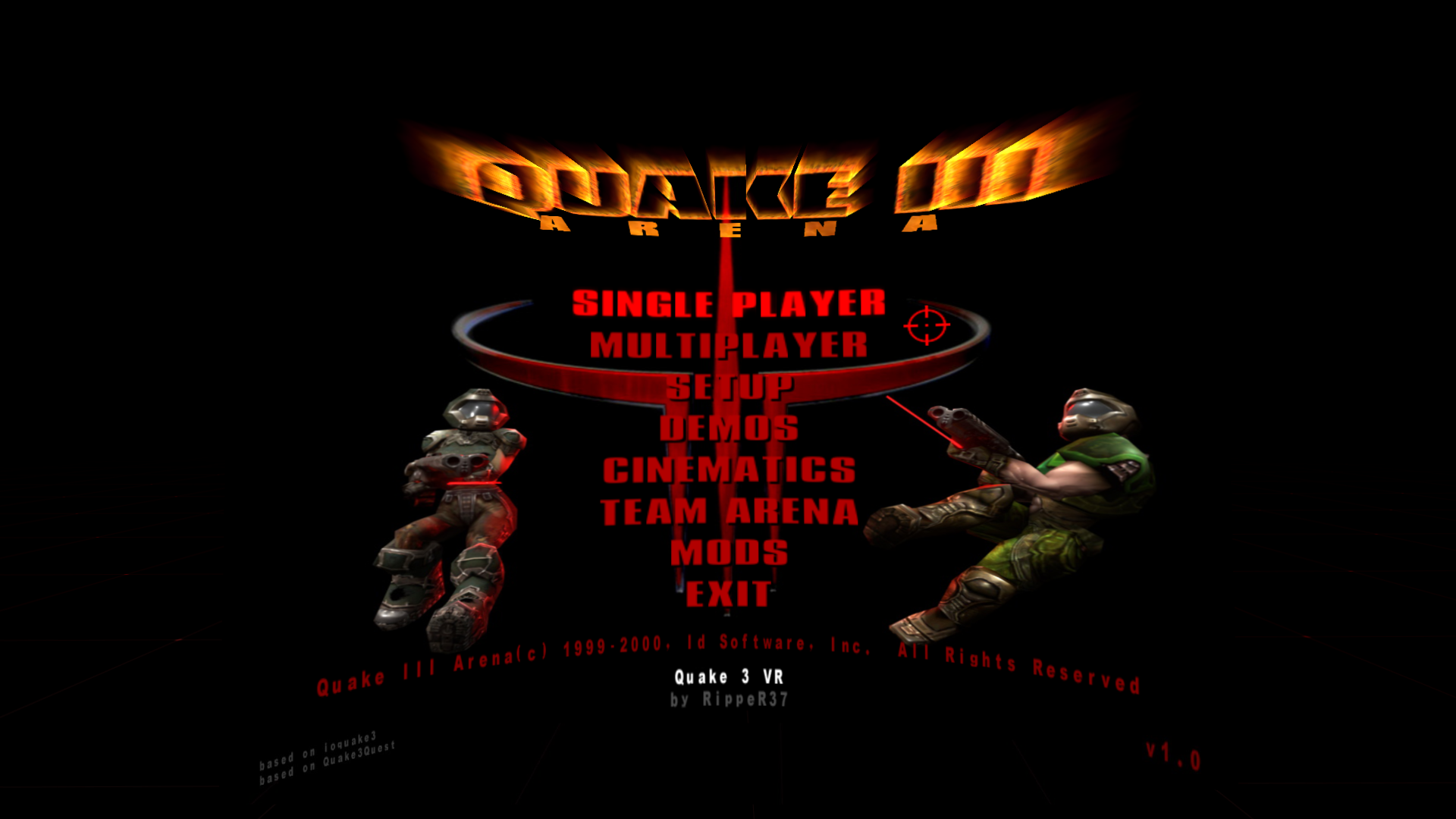
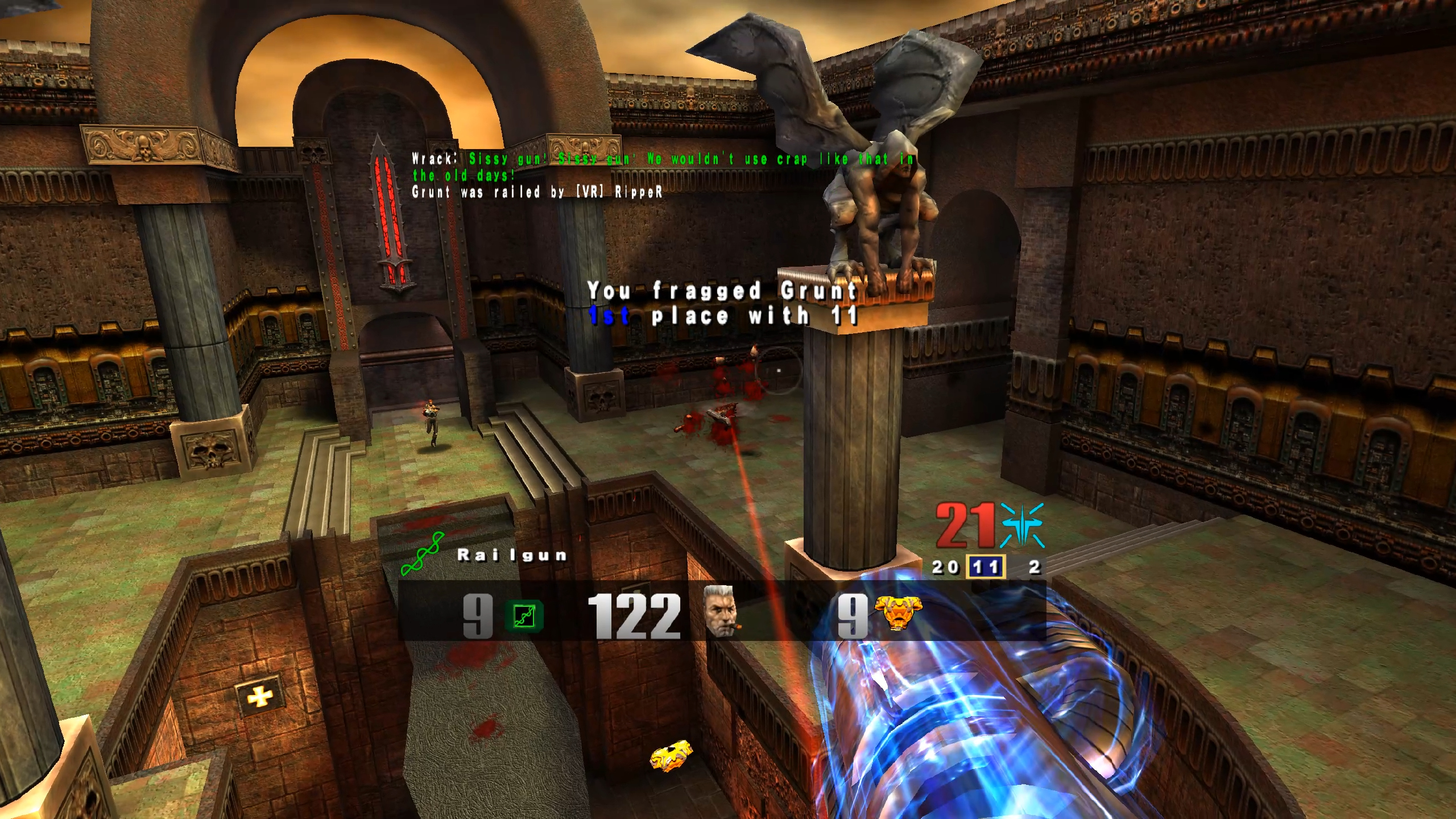
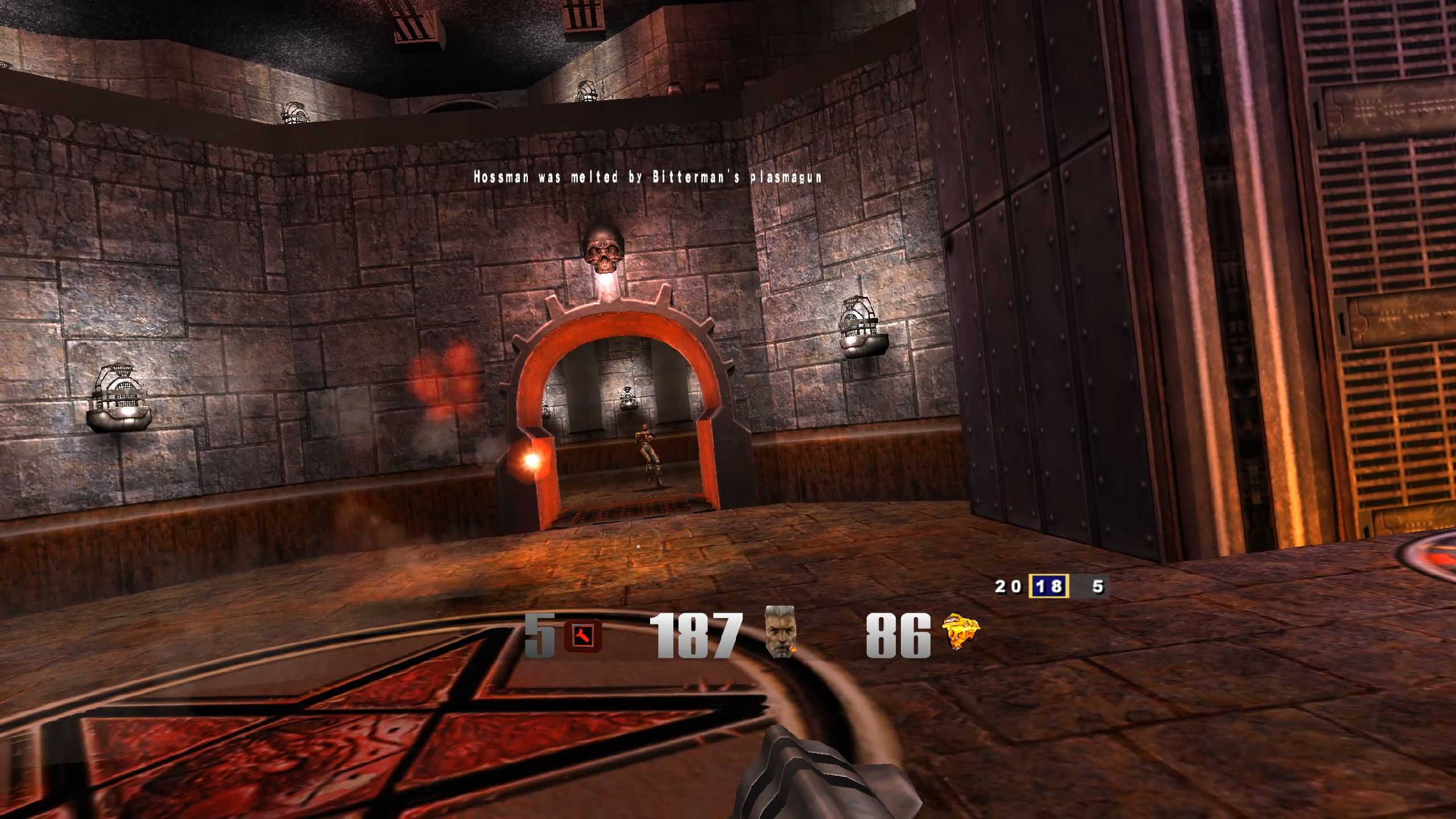
Quake 3 VR (q3vr) is a PCVR port of Quake 3 Arena. It is based on the community-maintained ioquake3 engine and the Quest port (Quake3Quest). The port includes bugfixes, VR-specific improvements and a number of quality-of-life features.
- Full single-player campaign and multiplayer support (crossplay with PC & Quest).
- 6DoF movement, weapon selection wheel, haptics, virtual screen and comfort options (vignette, height adjust).
- Supports playing on many community servers and simpler mods.
For full setup instructions and latest version, controls and troubleshooting follow the repository on GitHub or visit game's homepage.
Download
Install instructions
- Download the game (installer or portable version)
- Be sure to check latest version on GitHub or game's home page
- Install or copy game files to desired location
- If you own the full version of the game, copy
pak0.pk3file tobaseq3/directory, otherwise use provided version from demo game (be sure to tick that option when installing). - Start your VR runtime (e.g. SteamVR)
- Play the game (run
q3vr.exe)
Leave a comment
Log in with itch.io to leave a comment.